Describe your goal
What are you building and what should it do?
Describe your idea, answer a few smart questions, and get a structured prompt built for your exact platform.
Works with Lovable, Bolt, v0, Cursor, Claude Code, Replit, and more.
No credit card required · Works with Lovable, Bolt, v0
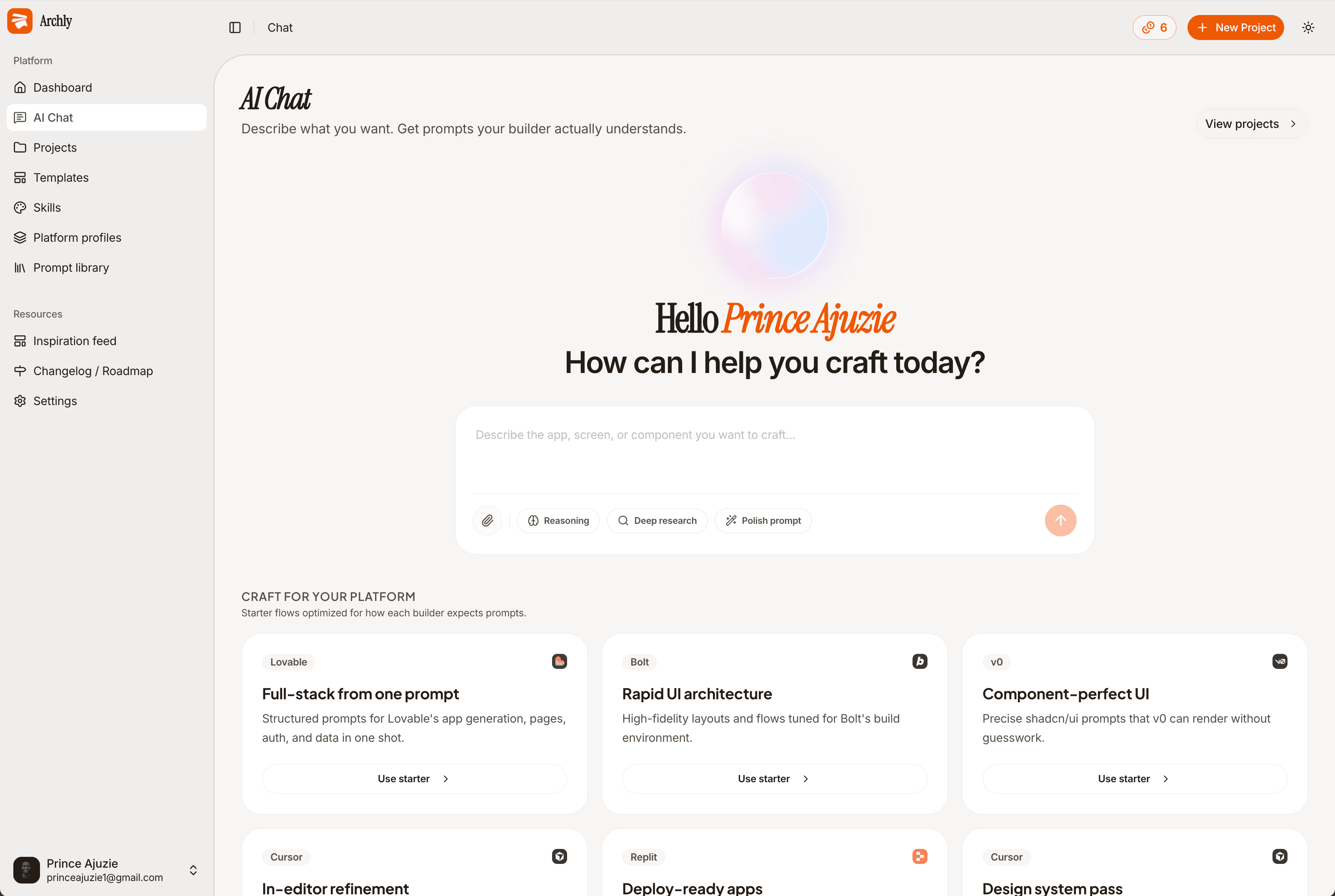
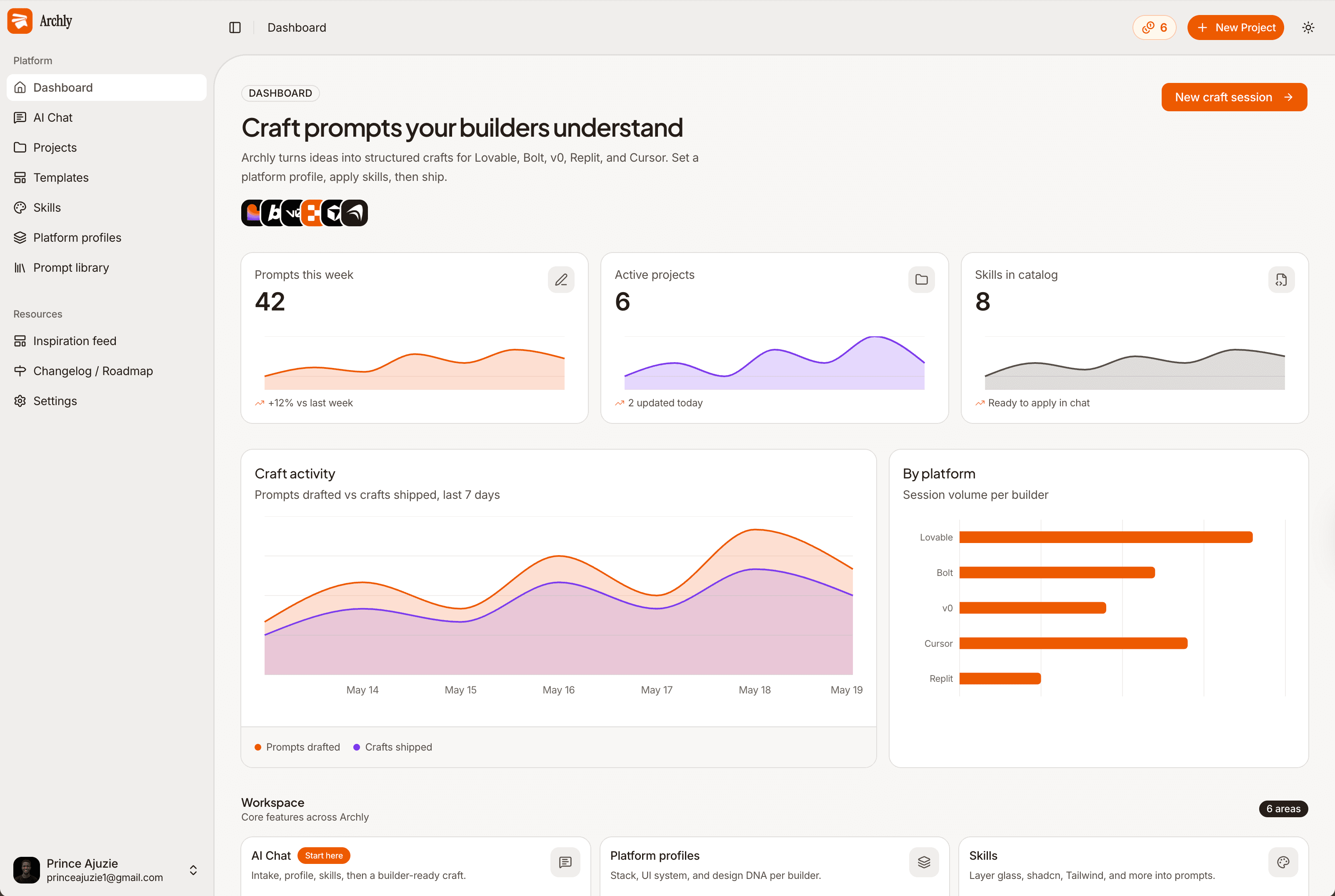
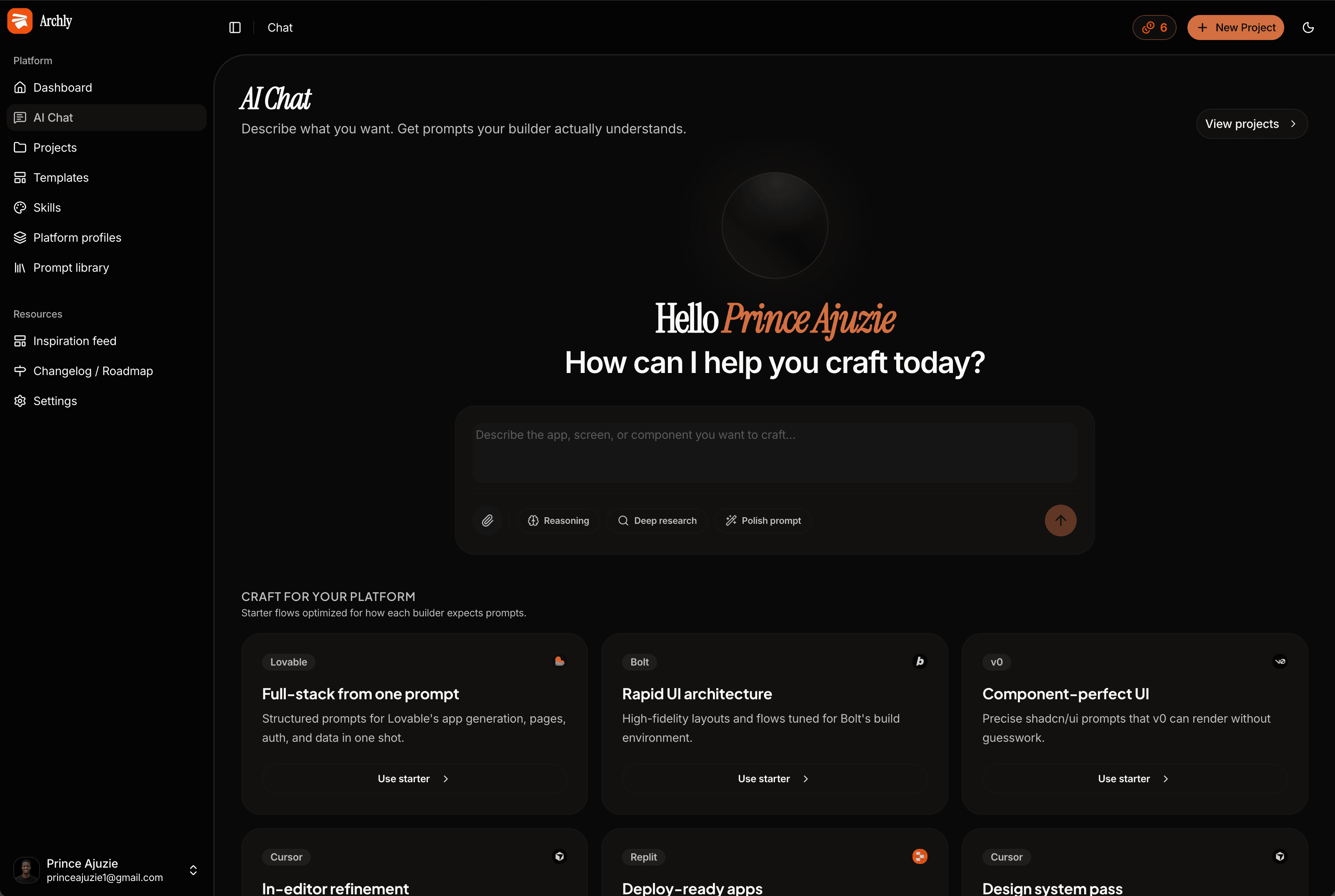
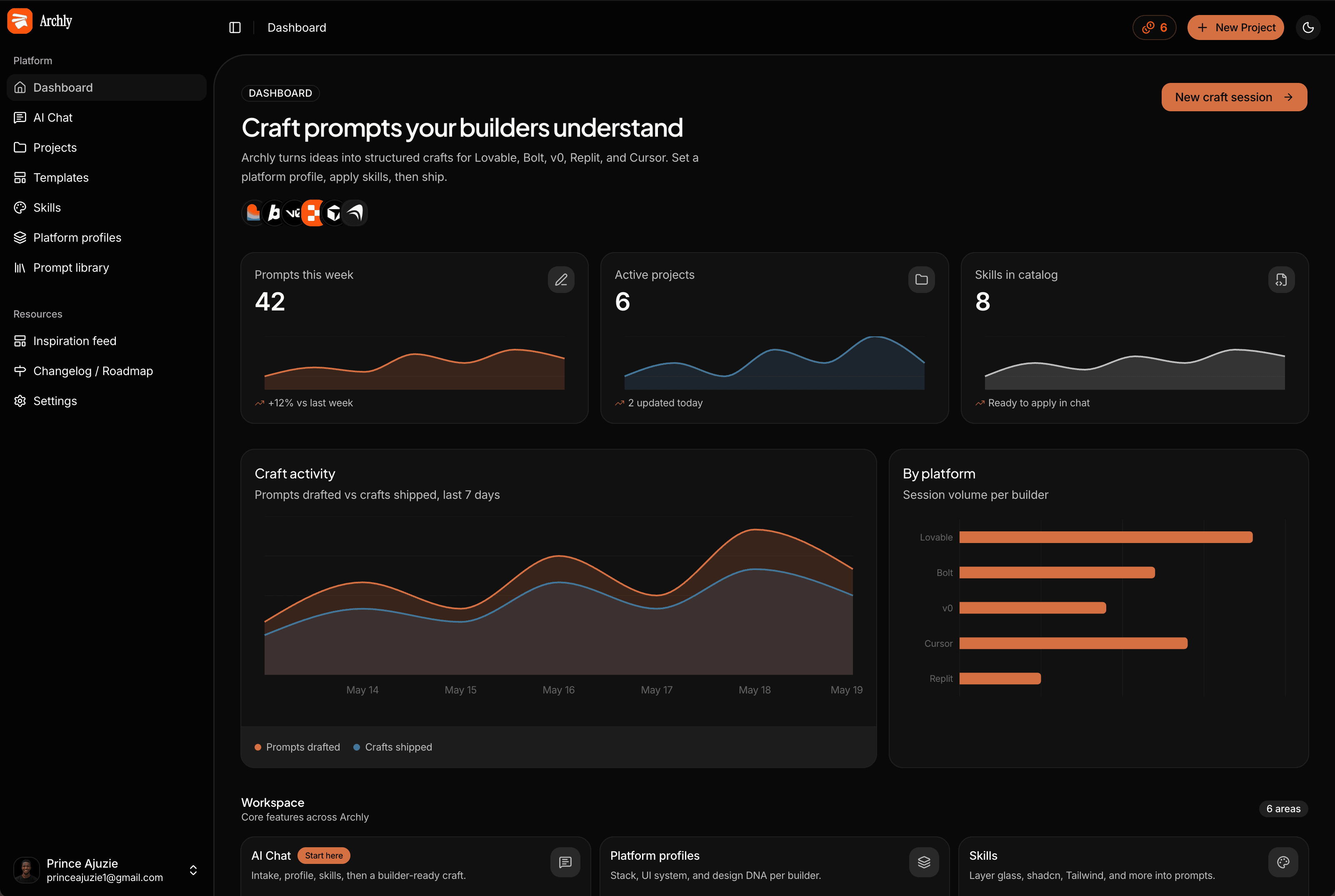
Archly is a prompt generation workspace for AI app builders. It turns your ideas into structured prompts for Lovable, Bolt, v0, Cursor, and Replit.










A 7-step intake collects your goal, audience, platform, profile, and skills. The agent researches your builder and outputs a structured craft prompt.

Every intake creates a project linked to your platform profile. Sessions and craft prompts stay connected so refinements build on what you already defined.

Lovable, Bolt, v0, Cursor, and 8 more. Archly structures output for how each builder thinks and formats craft prompts accordingly.
Copy or open prompts directly in your builder. Track craft activity on your dashboard and refine until the output ships.
Answer a few structured questions about your platform, stack, and skills. Archly feeds it all to the agent so your first prompt is already sharp.
What are you building and what should it do?
Auto-suggested from your goal, or set it yourself.
Who is it for and what ships in v1?
Lovable, Bolt, v0, Cursor, Replit, and more.
Your stack, design system, and guardrails in one profile.
Prompt modifiers that shape the entire output.
Confirm your setup and hand it to the agent.
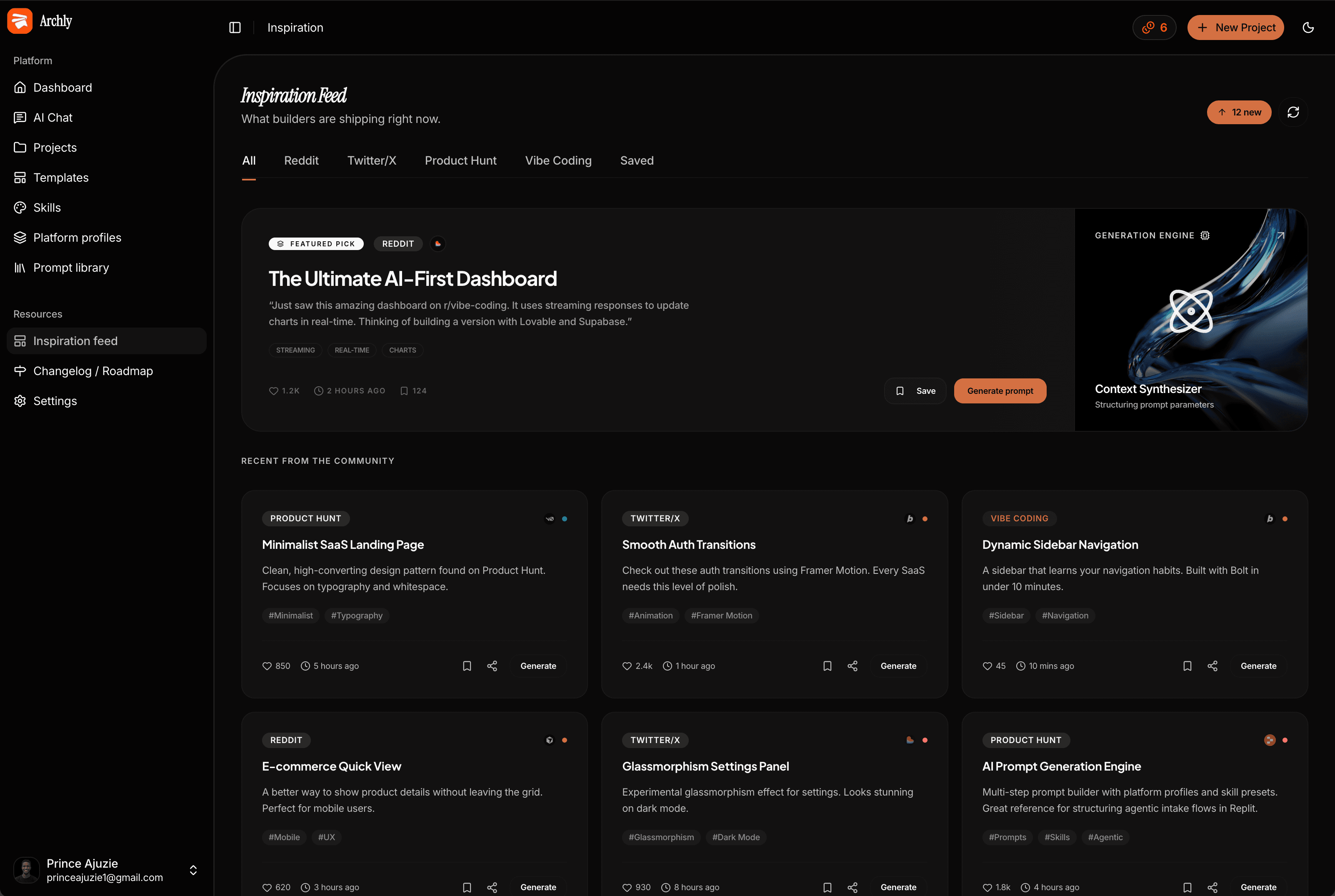
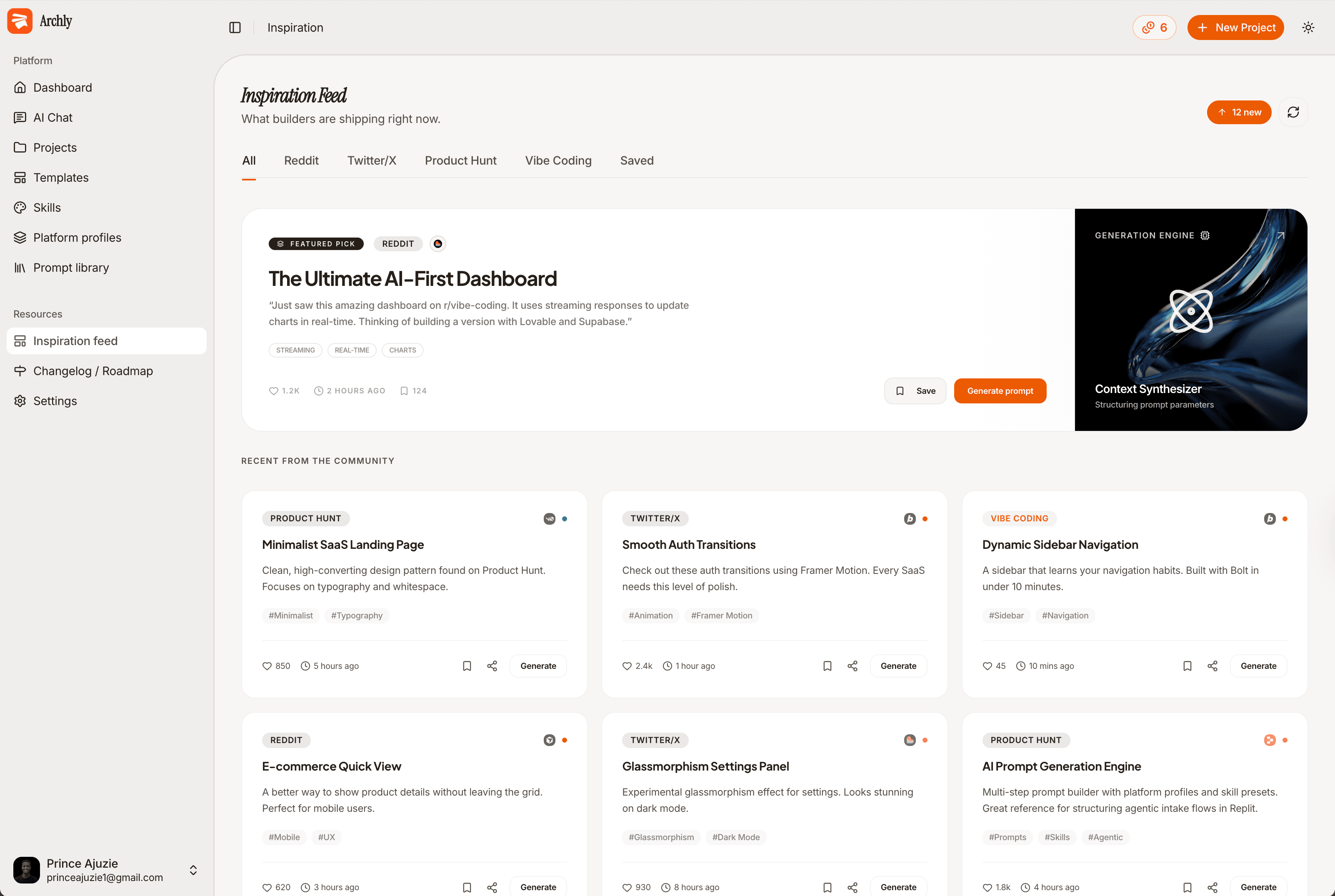
Browse what's trending, save launches you love,
and turn them into builder-ready prompts in one flow.
Live feed from Product Hunt across developer tools, AI, no-code, and SaaS. See what's shipping now.
 Raycast AI1.2kCursor 2.0890
Bookmark launches to your saved feed. Revisit ideas whenever you're ready to build.
Notion AI KitTemplates and workflows for AI-first teams.
Edit the summary and jump into AI Chat with context already loaded for crafting.

Build a SaaS landing for an AI workflow tool on Lovable...
Pick the skills that match your build. They shape every craft prompt you generate, not just the last line.
Prompt output uses precise Tailwind class patterns.
“Make a blue button.”
“Make a button with bg-primary hover:bg-primary/90 text-primary-foreground font-medium px-4 py-2 rounded-lg transition-colors.”
Every prompt references shadcn/ui components by their exact name.
“Create an accordion.”
“Create an accordion using the shadcn/ui <Accordion> component with AccordionItem, AccordionTrigger, AccordionContent, and correct import paths.”
Structures prompts around dark-first design systems.
“Design a dashboard.”
“Design a dashboard with a dark-first approach: bg-background root, bg-card surfaces with border-border/40, high-contrast text-foreground for readability.”
Every prompt understands Supabase auth, RLS, and real-time.
“Set up a database for posts.”
“Set up a Supabase posts table with RLS policy (auth.uid() = author_id), realtime subscription on INSERT, and typed client via supabase-js.”
Adds depth, blur, and transparency layering to every prompt.
“Create a login card.”
“Create a login card with backdrop-blur-xl, bg-white/10, border border-white/20, and rounded-3xl surfaces to create depth on a gradient background.”
Prompts account for streamed AI output in UI design.
“Create a chat interface.”
“Create a chat interface with auto-scrolling container, fragment-by-fragment message rendering, a typing indicator, and AbortController for cancel support.”

Quick answers about how Archly works.